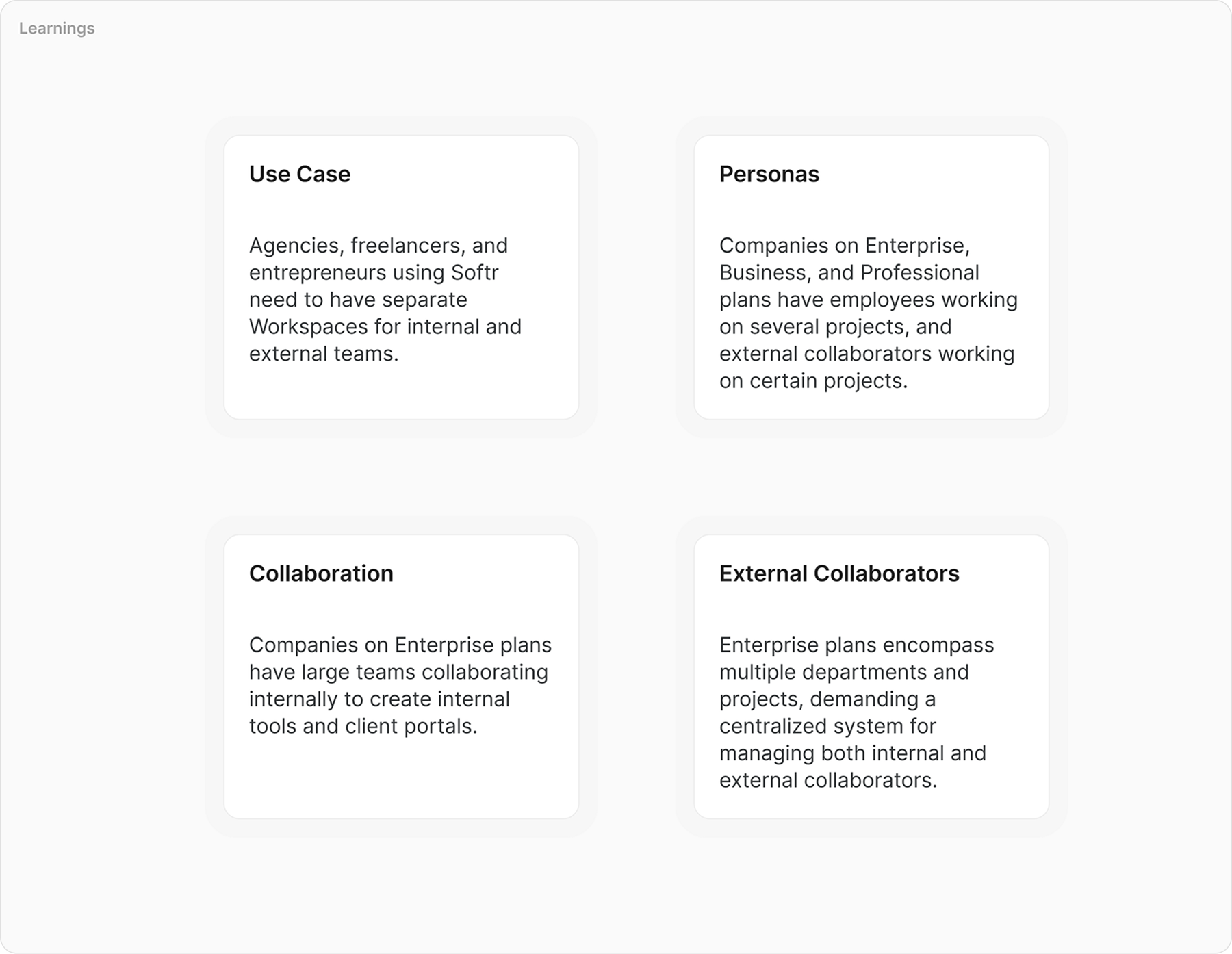
Softr helps users build powerful web apps without code. As the platform grew, it became clear that keeping projects organized and managing collaborators was increasingly challenging for our users.
Users found it challenging to maintain order across numerous projects and struggled with assigning permissions. Without a dedicated workspace structure, controlling access to certain apps and managing roles felt cumbersome. Softr needed a flexible solution that let users easily separate their work, define responsibilities, and ensure the right people had the right level of access.
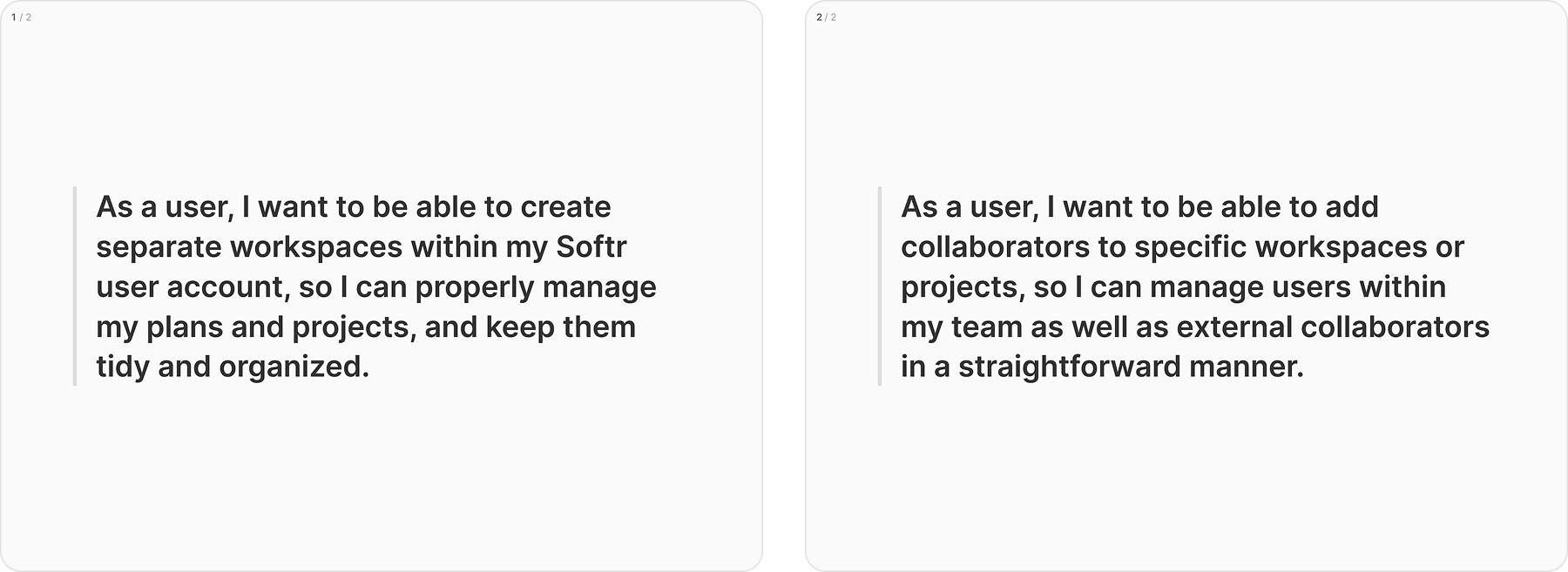
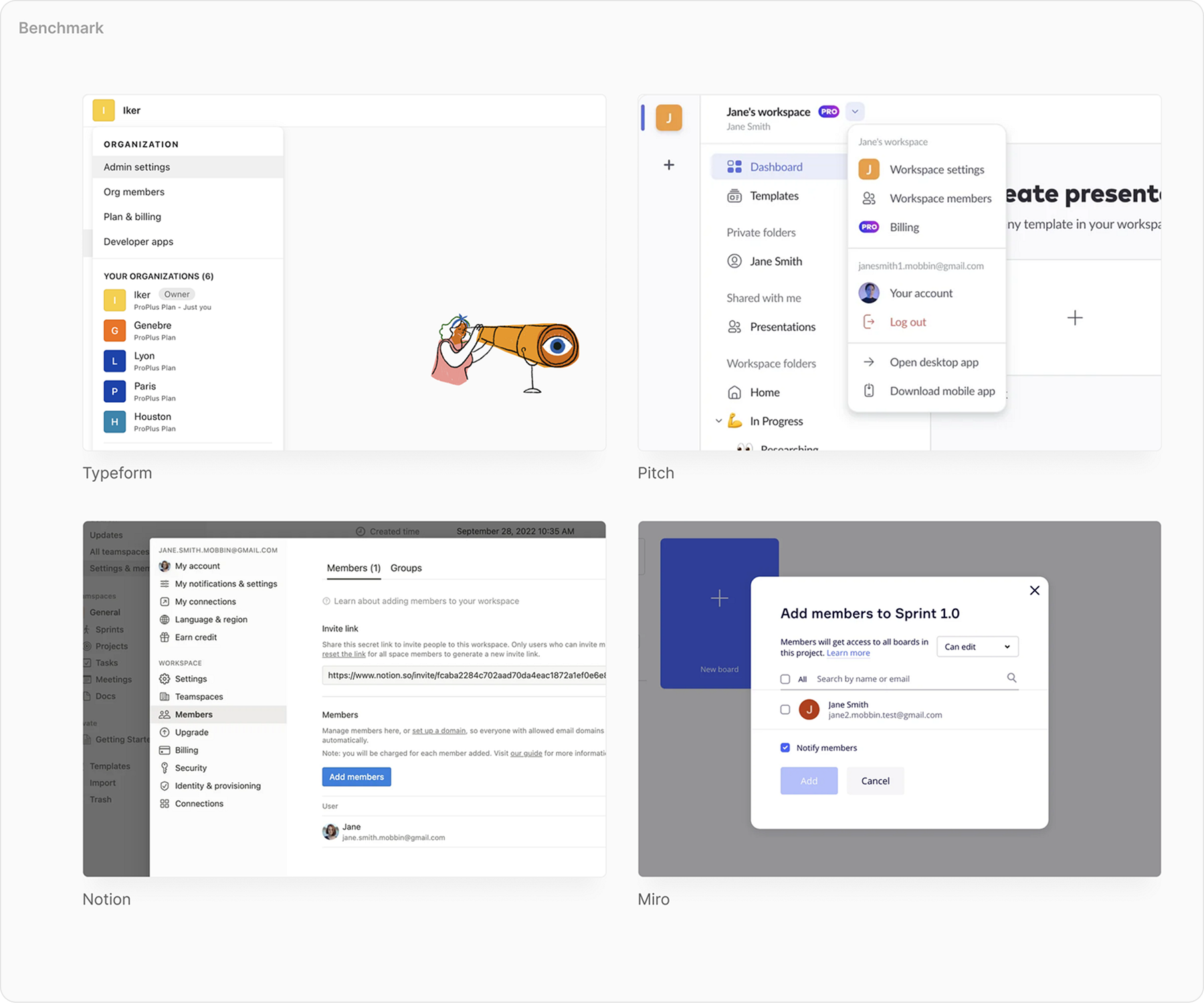
We interviewed users, reviewed support tickets, and analyzed competitors to understand best practices. This showed a pressing need for distinct environments where teams could operate without confusion. Users wanted a straightforward way to manage projects and people without juggling complex permissions in a single, cluttered environment.
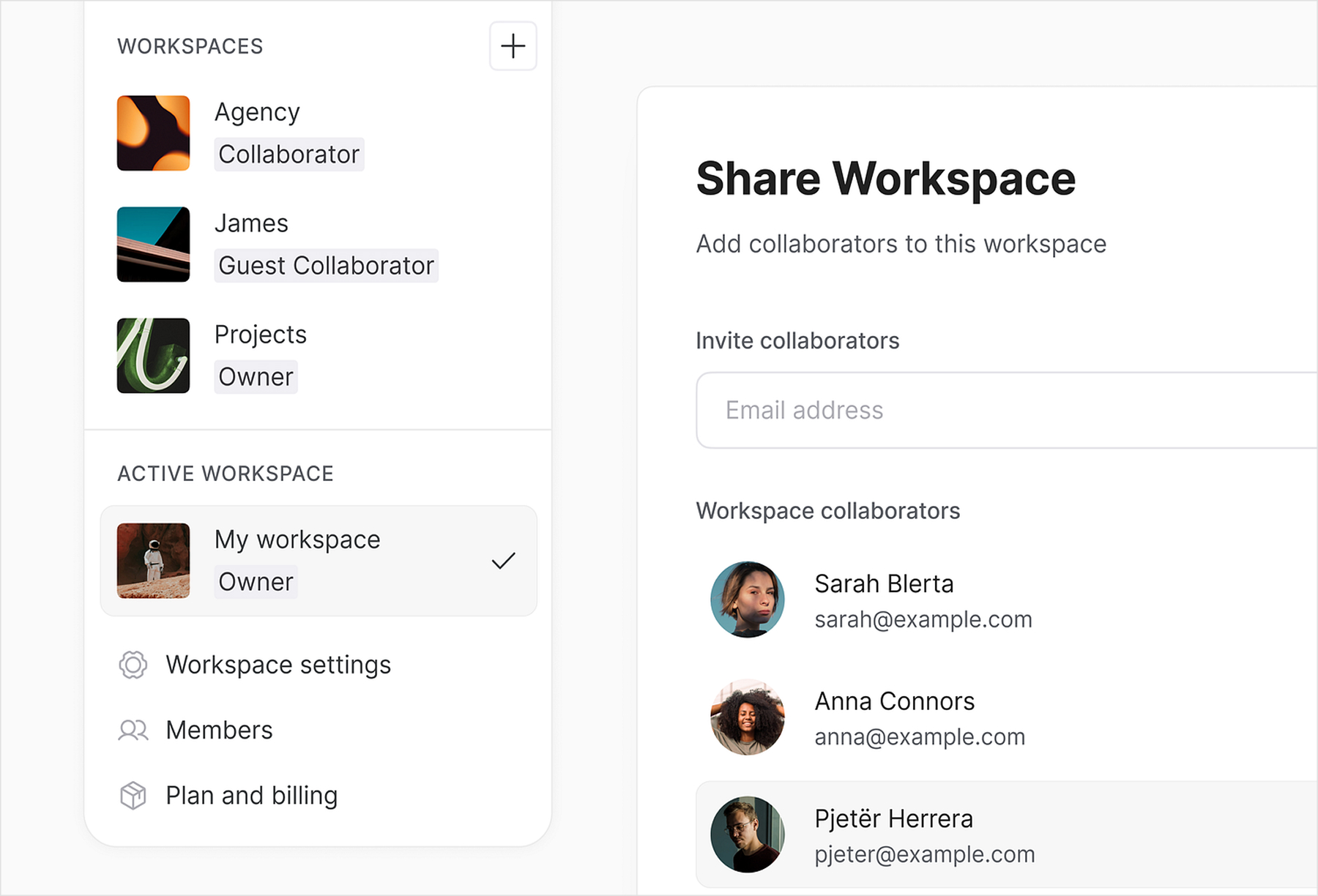
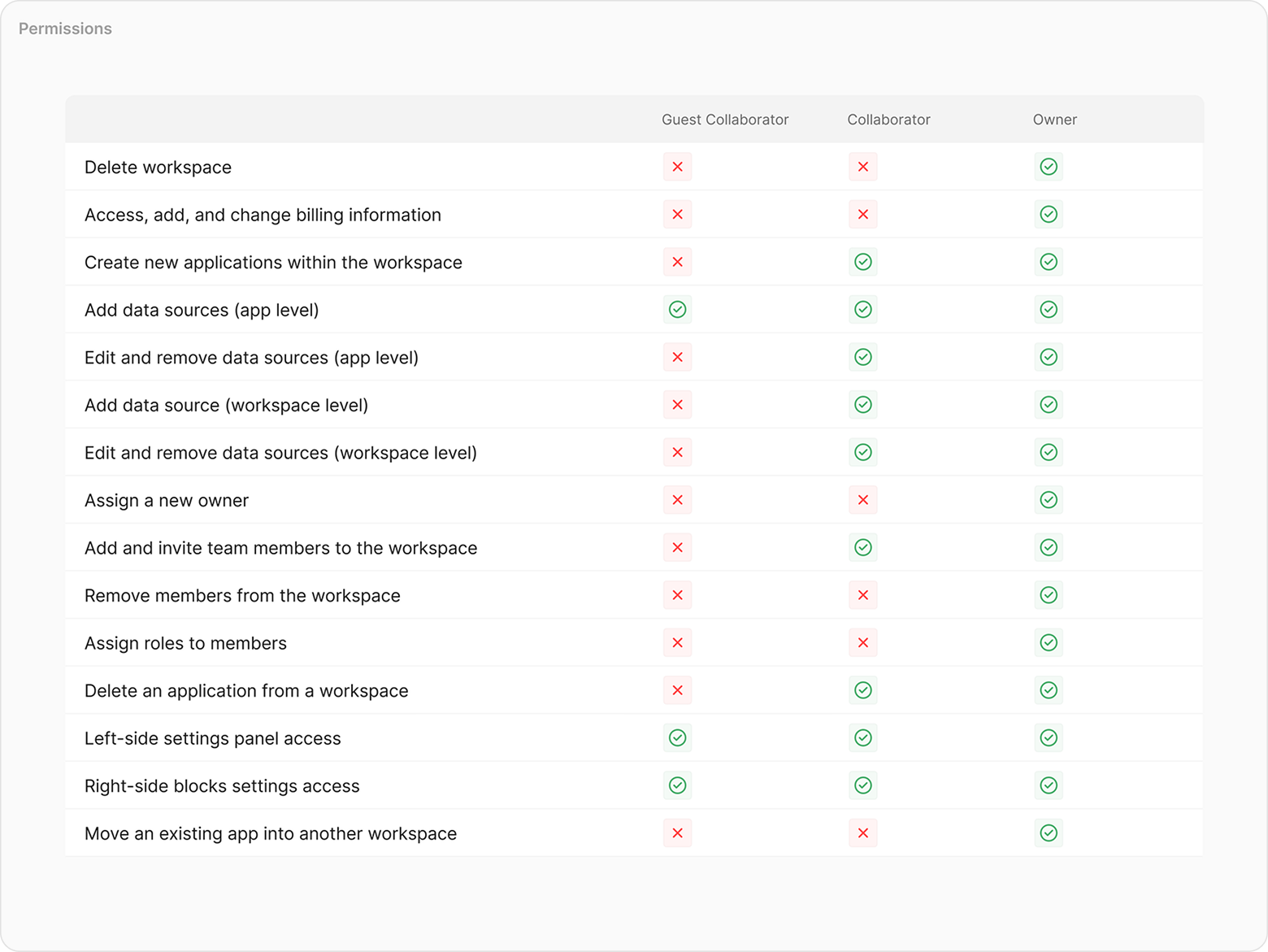
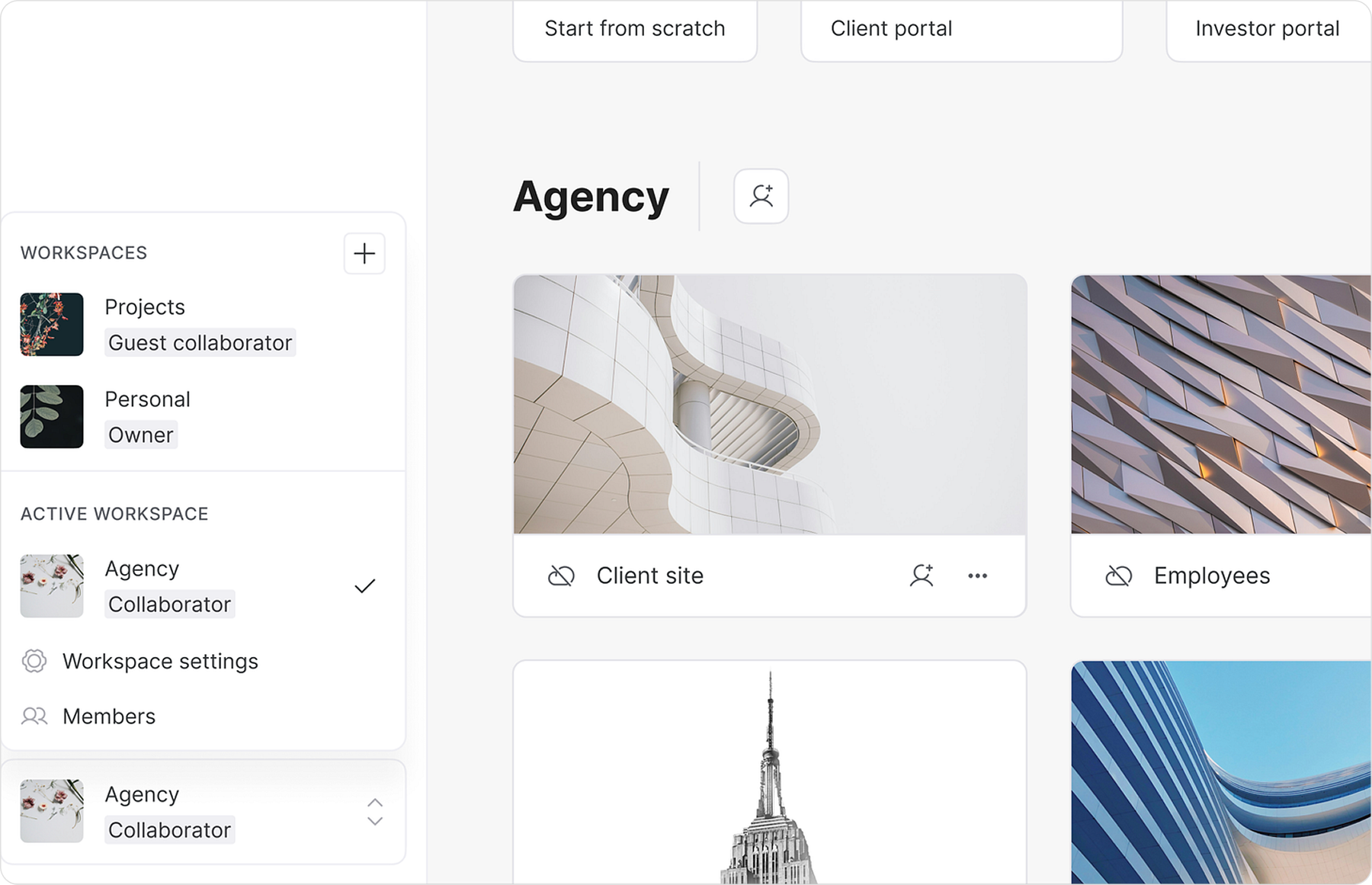
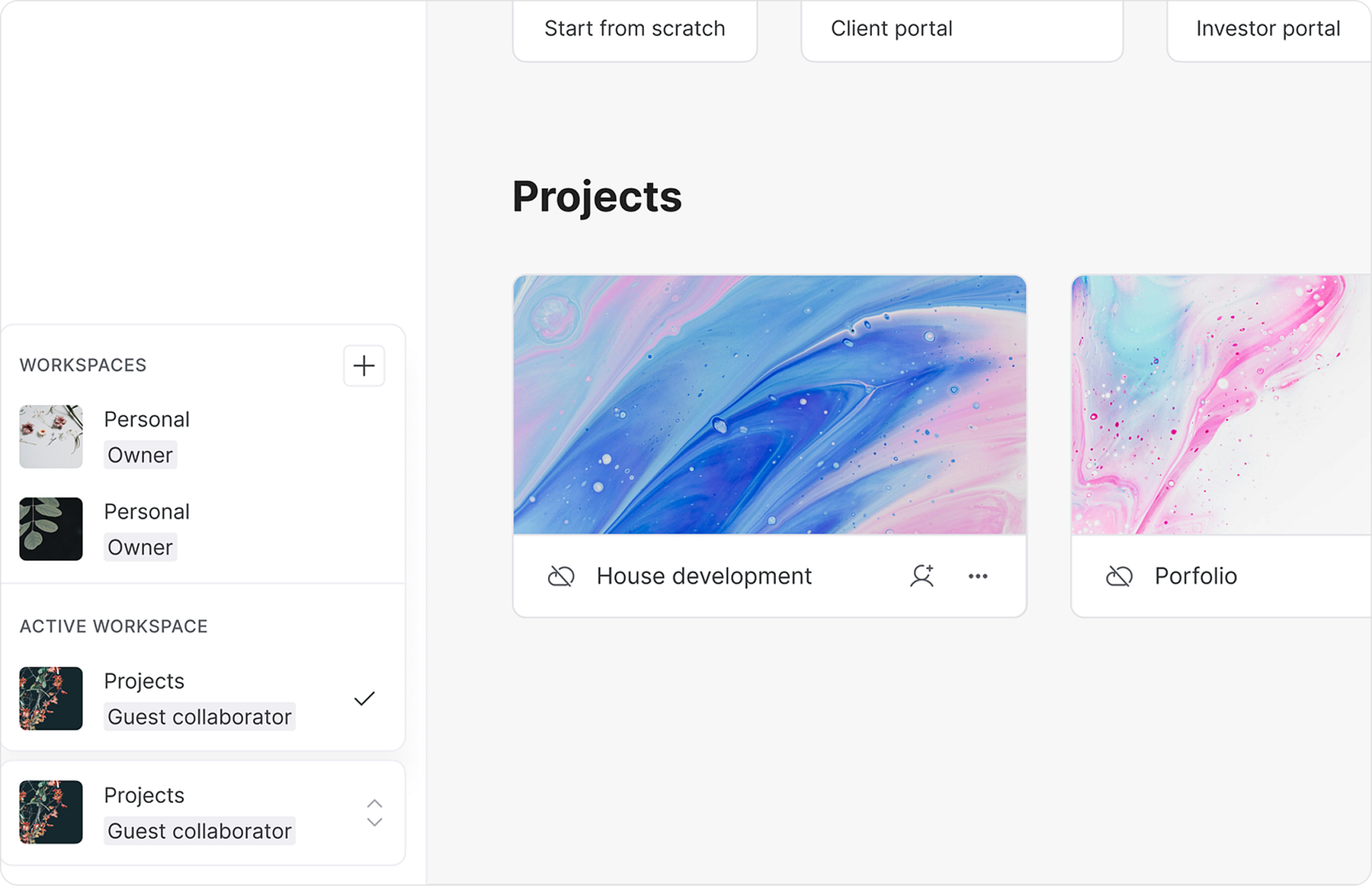
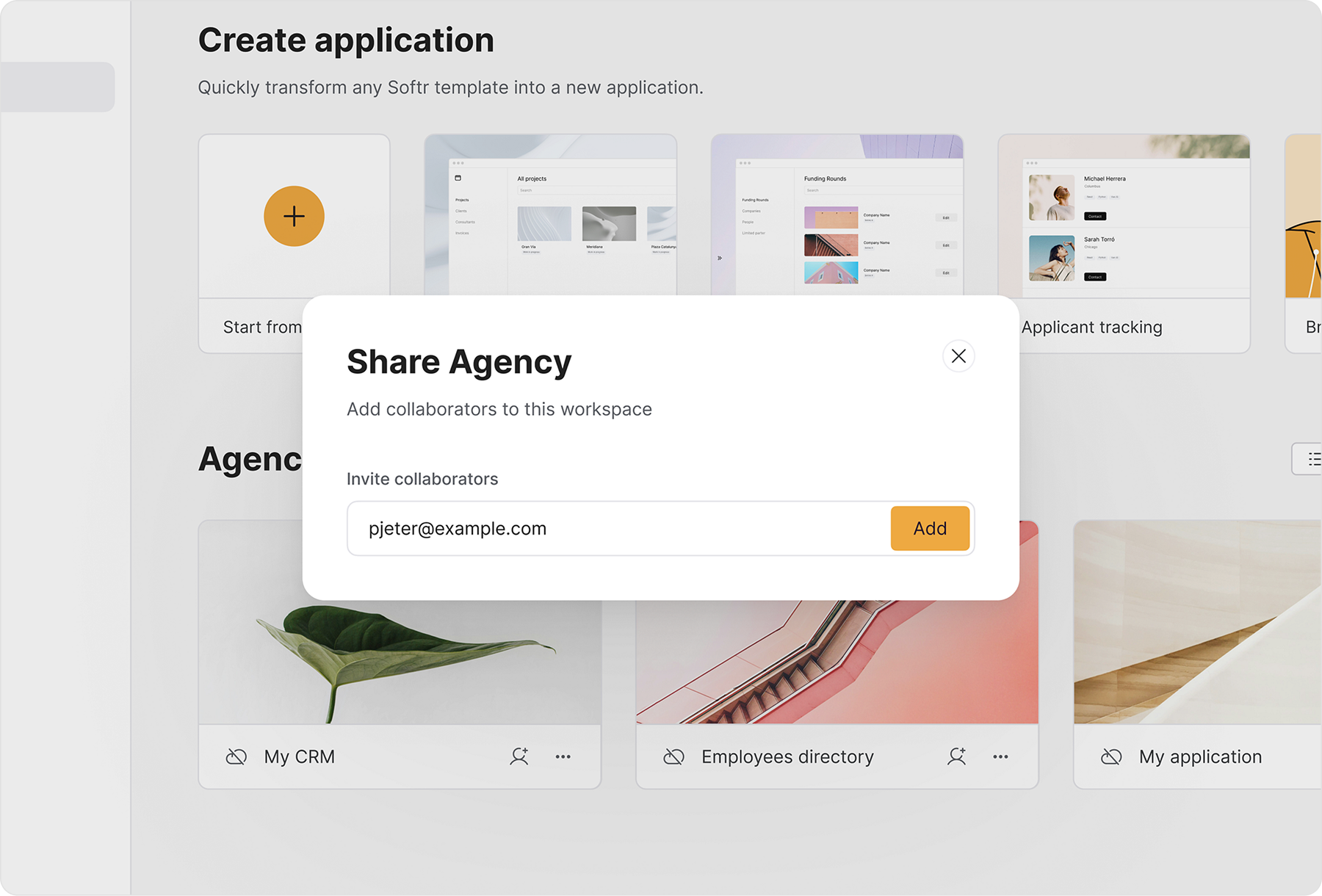
We introduced a role-based approach. Owners oversaw everything, including plans and collaborator invites. Workspace Collaborators managed projects but couldn’t alter plans. Guest Collaborators had limited access to specific apps, without full visibility into the entire workspace. By structuring access according to these roles, we reduced confusion and aligned the product with users’ mental models.
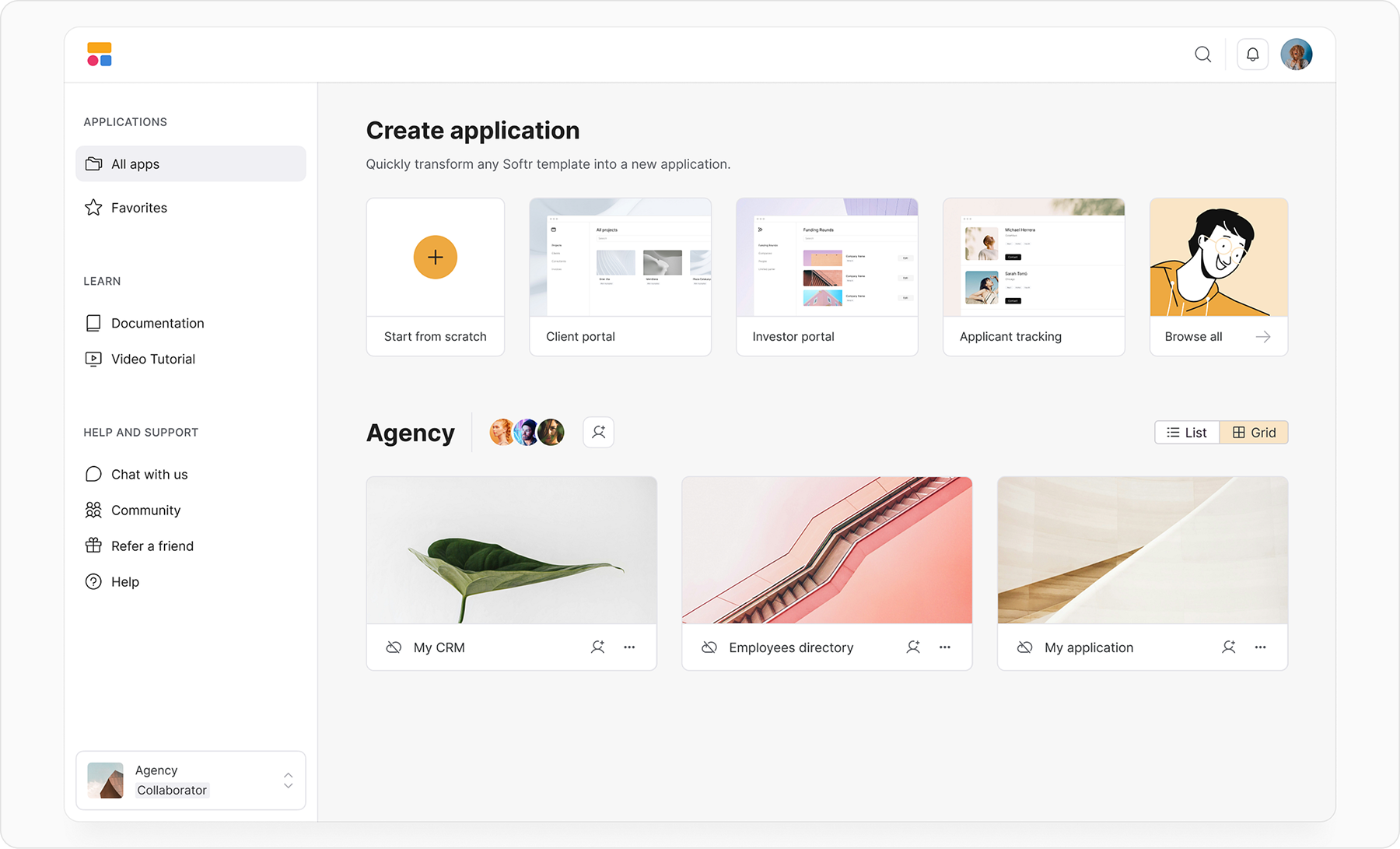
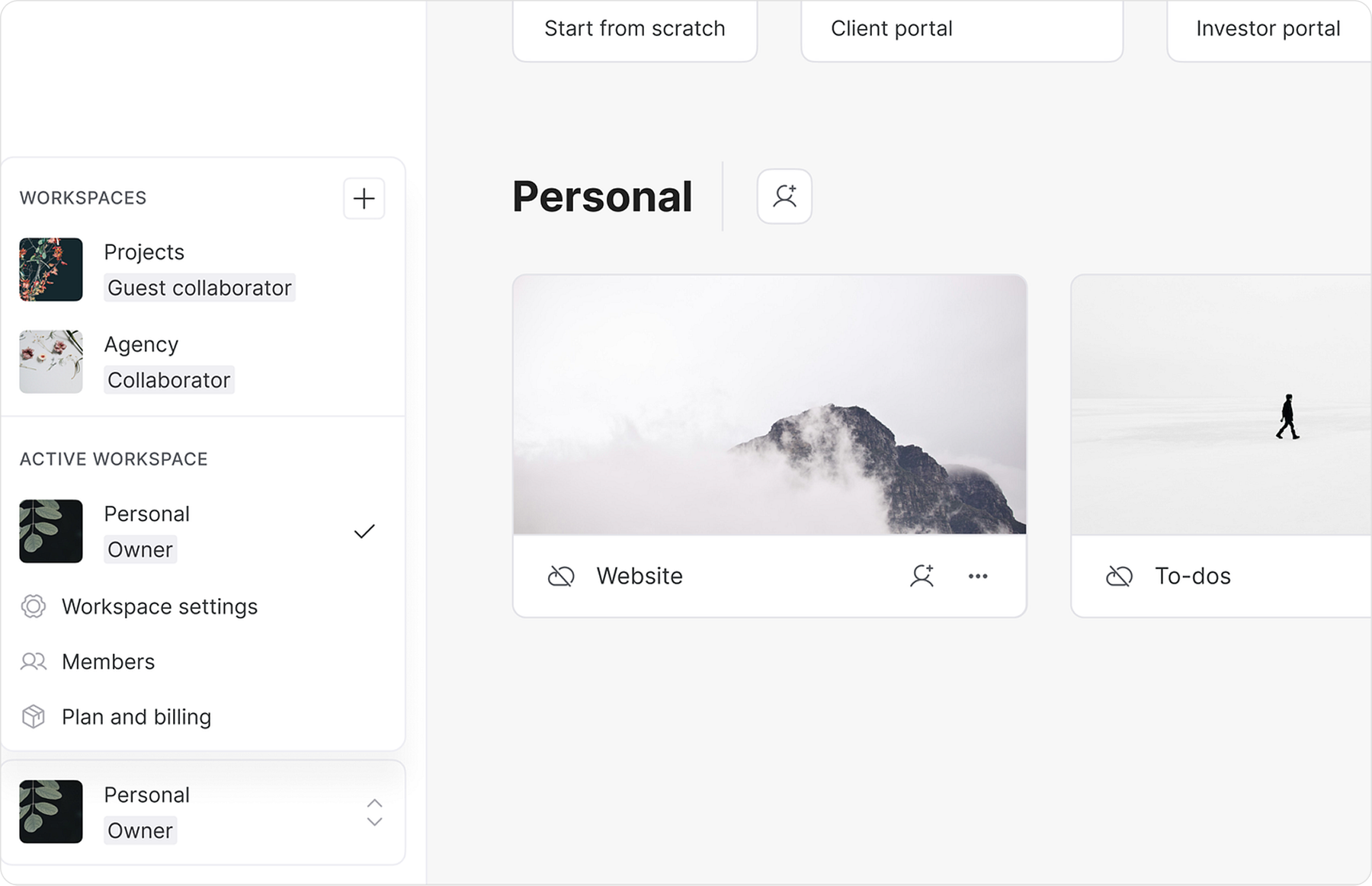
After validating concepts through wireframes, we moved to high-fidelity designs and integrated the new features into the Softr design system. Consistency and usability guided every decision. Close collaboration with engineers, supported by weekly sprints and daily communication, ensured a smooth handoff and quick iterations. Switching between workspaces, inviting collaborators, and managing settings were all designed to be intuitive and efficient.
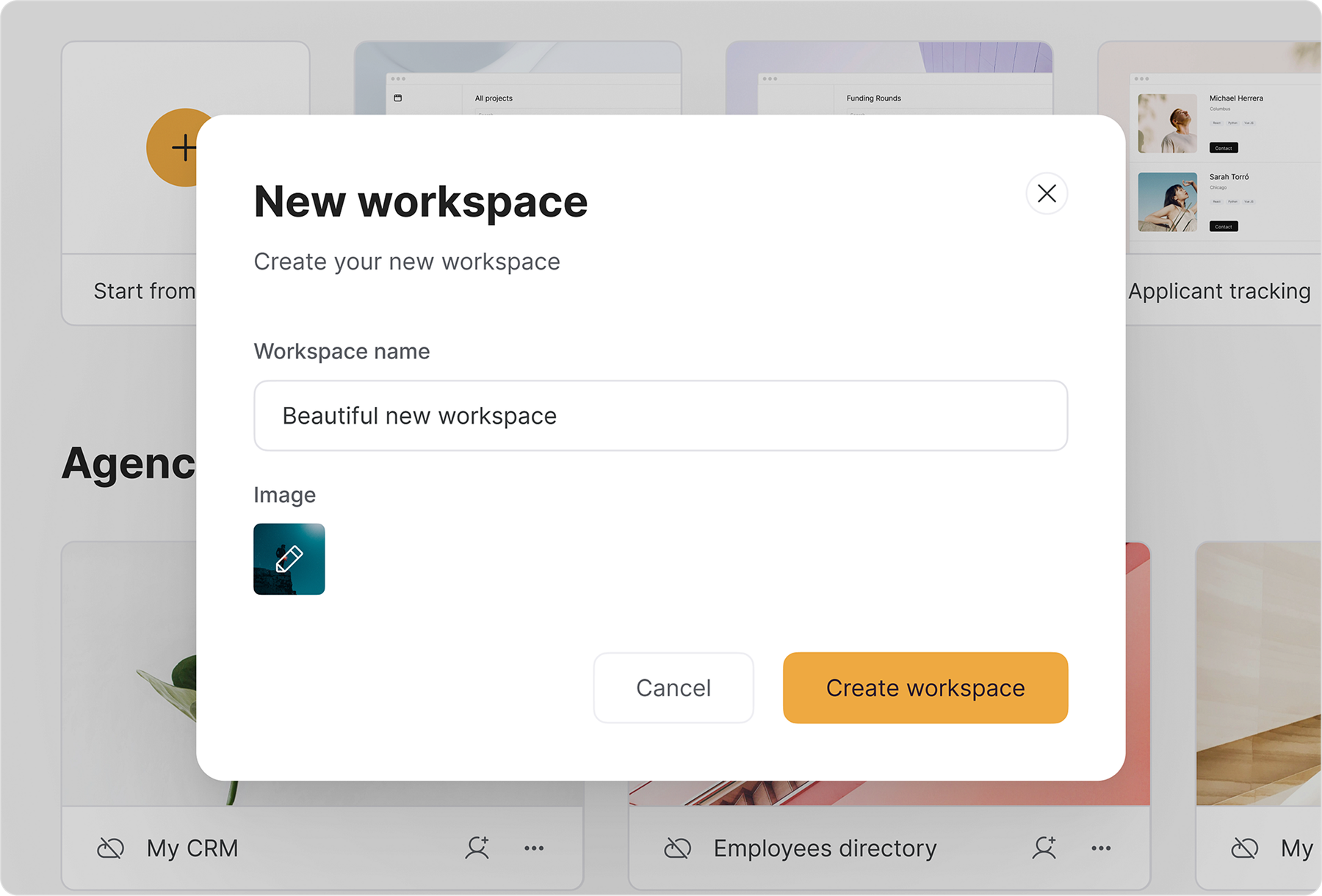
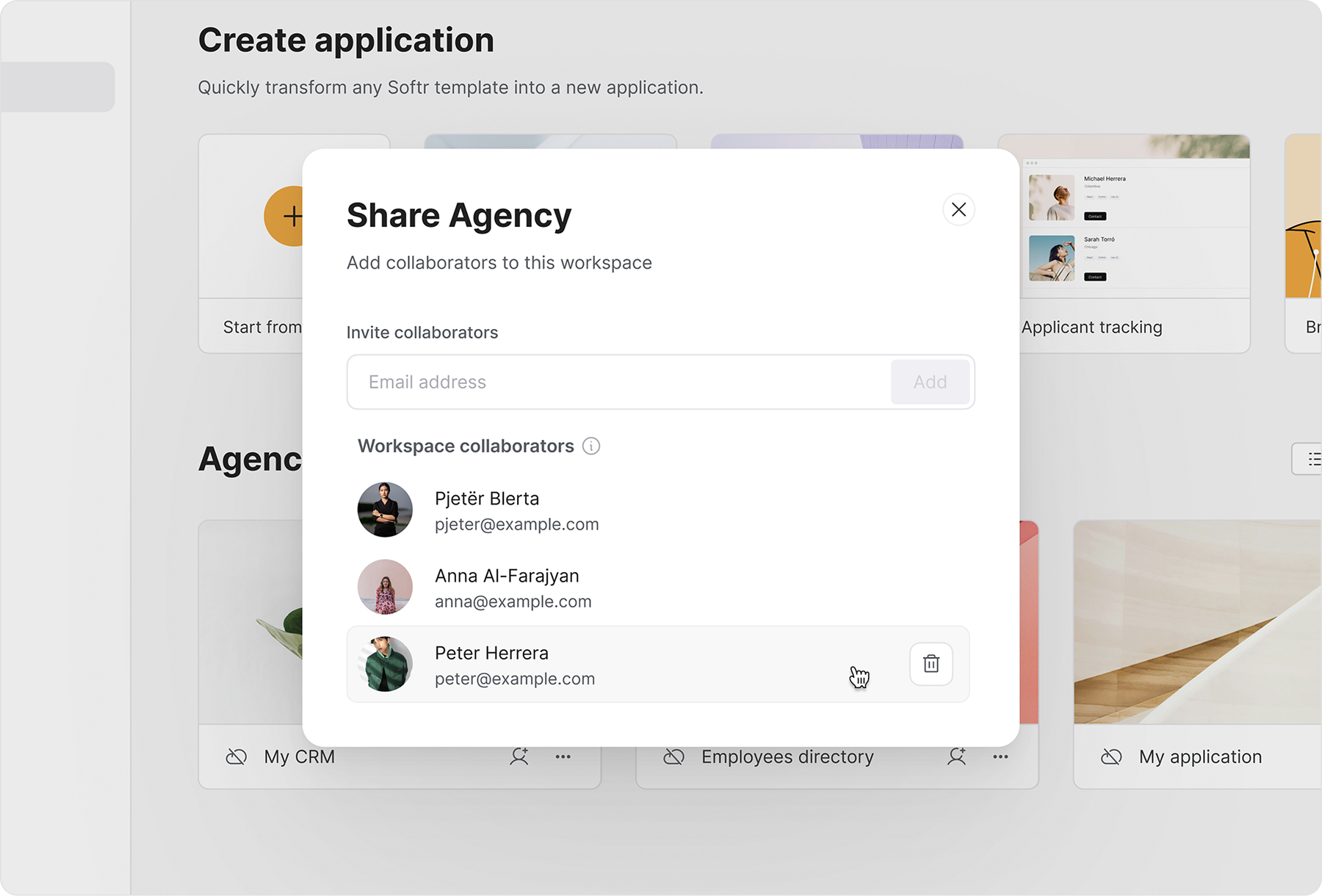
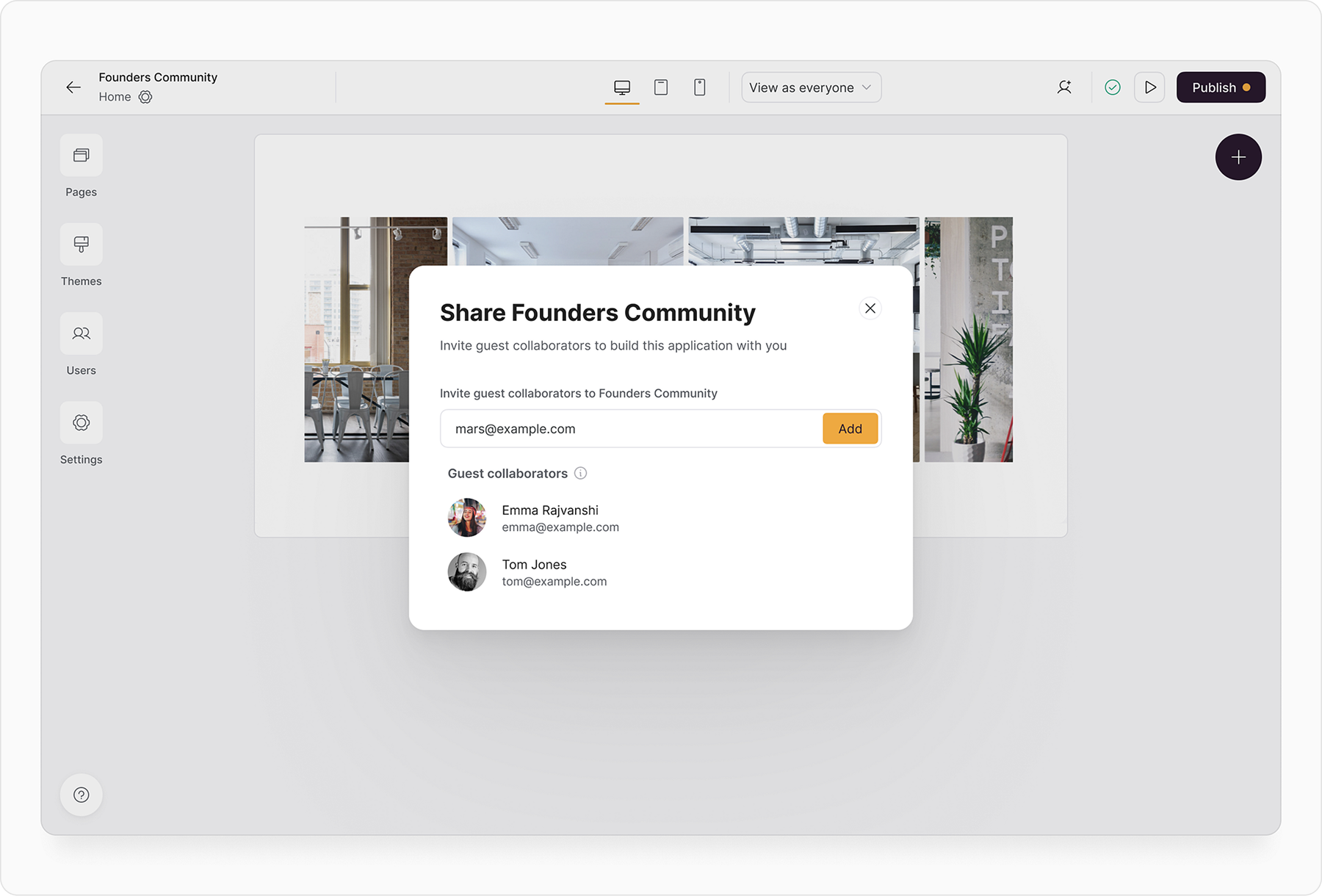
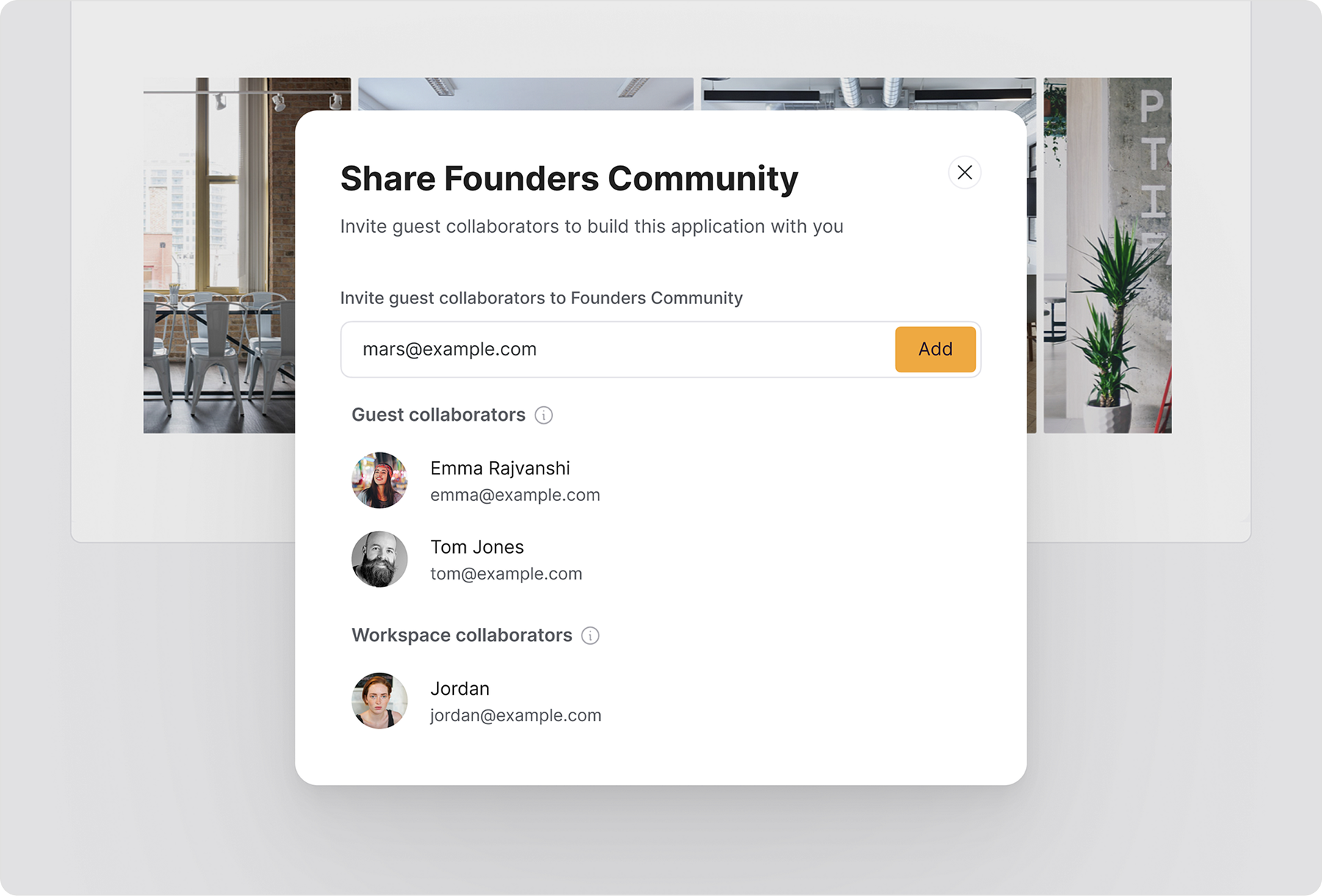
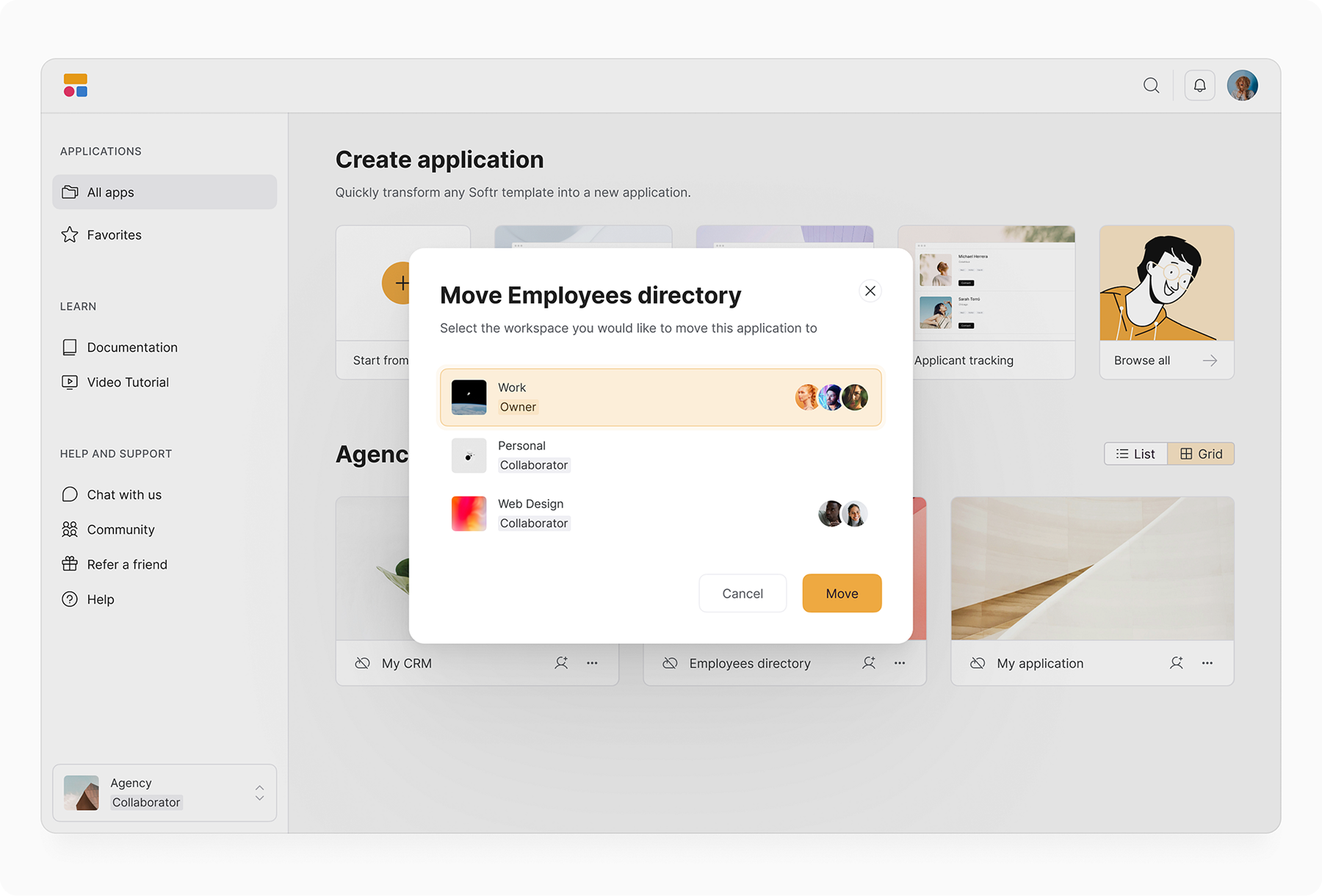
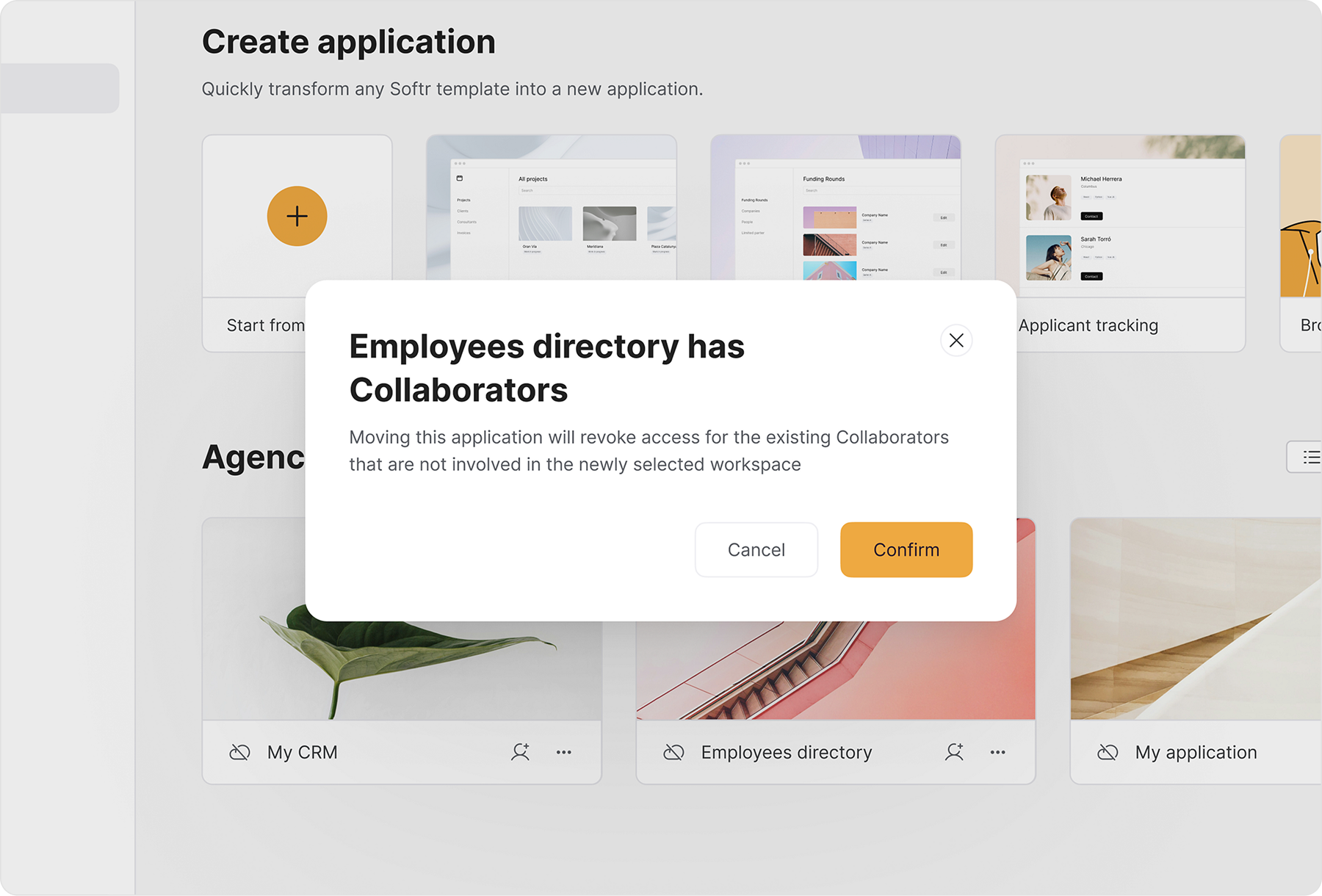
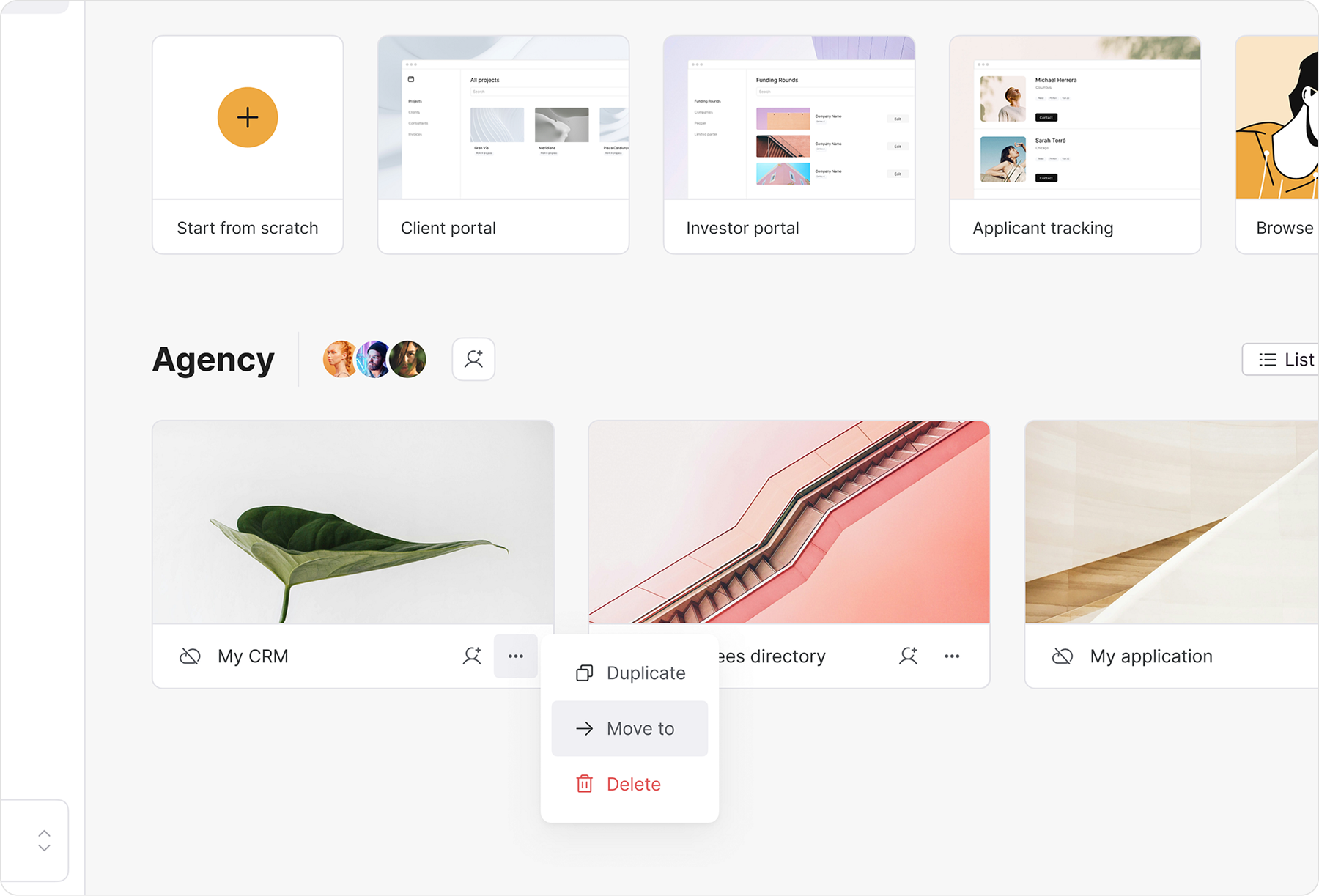
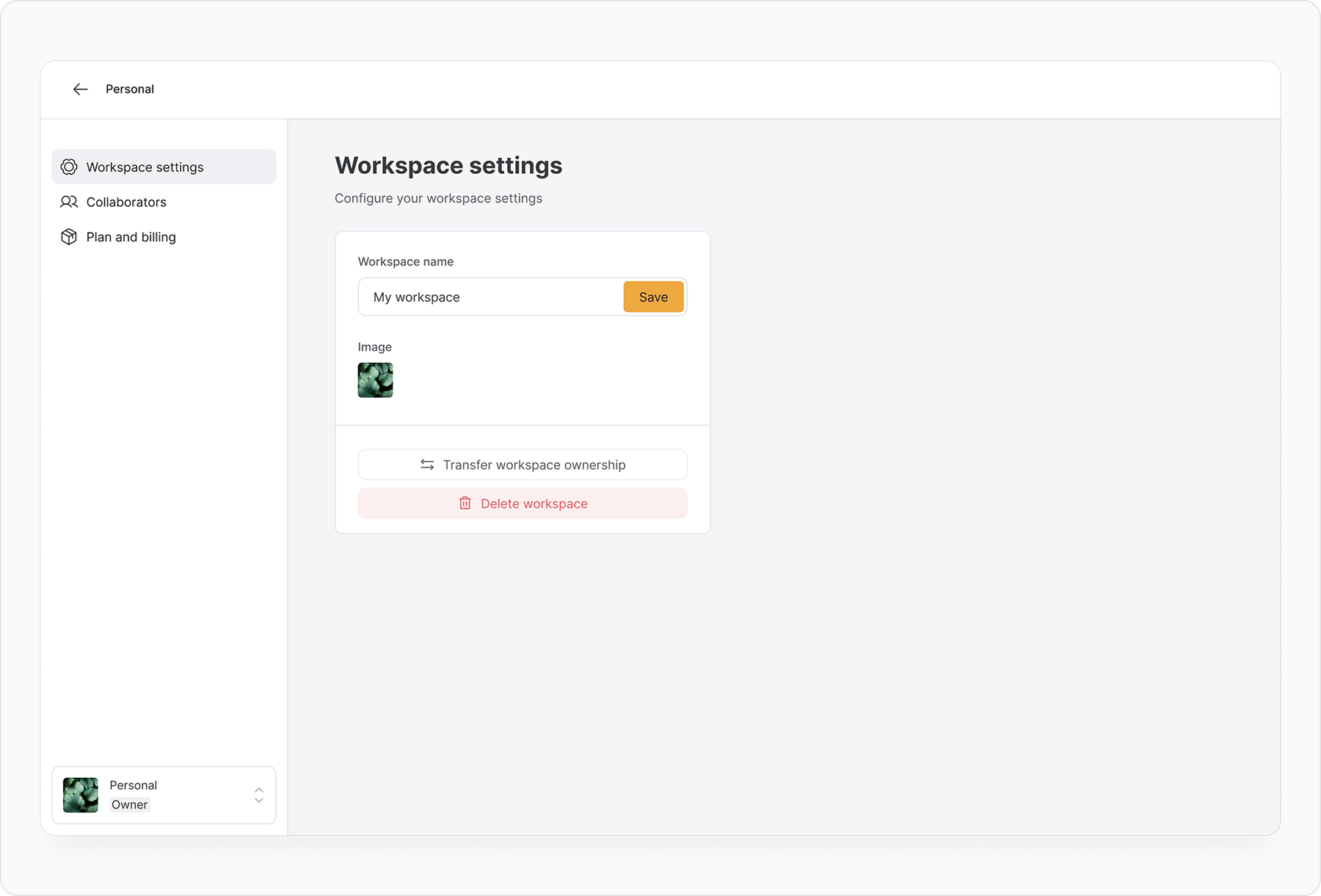
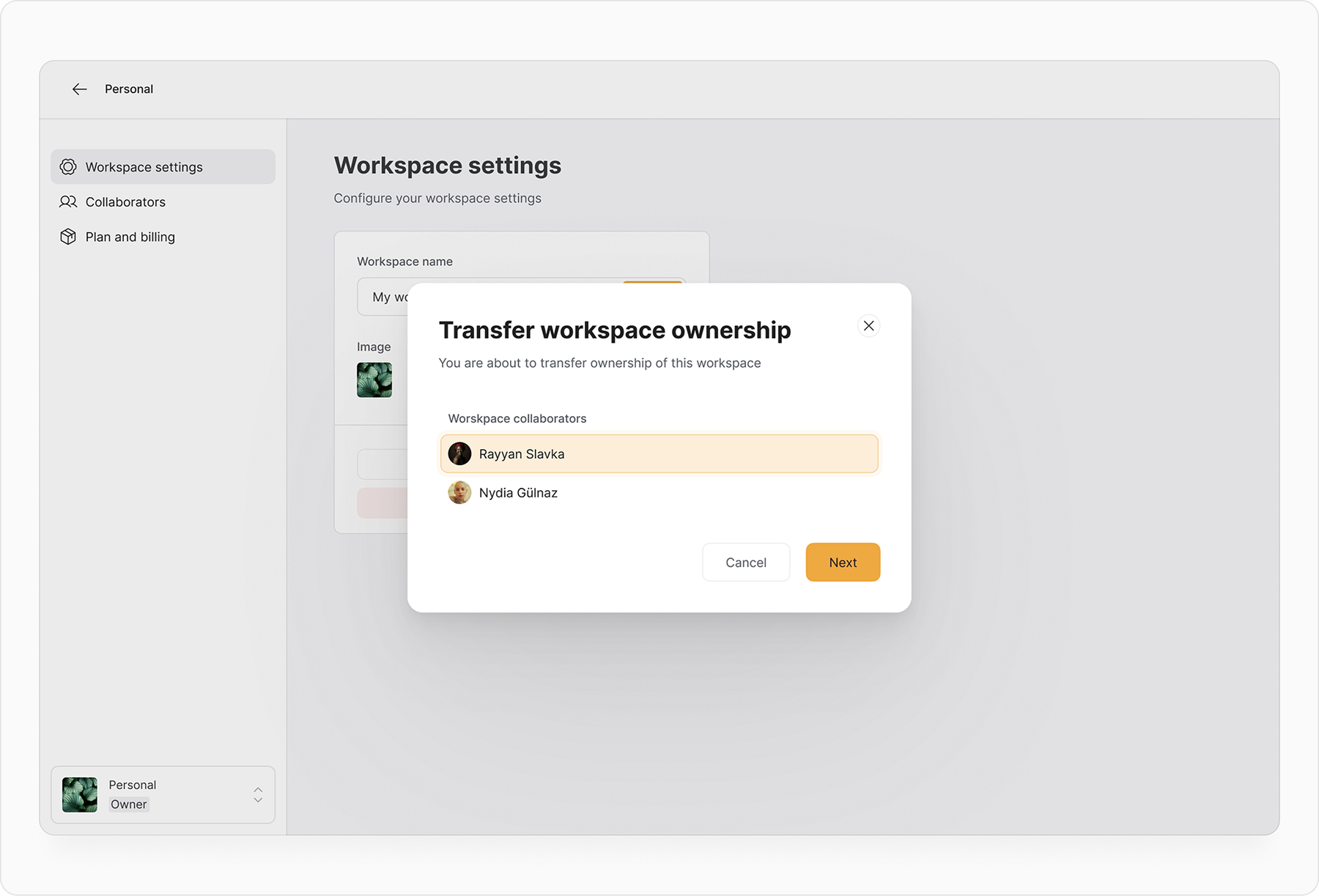
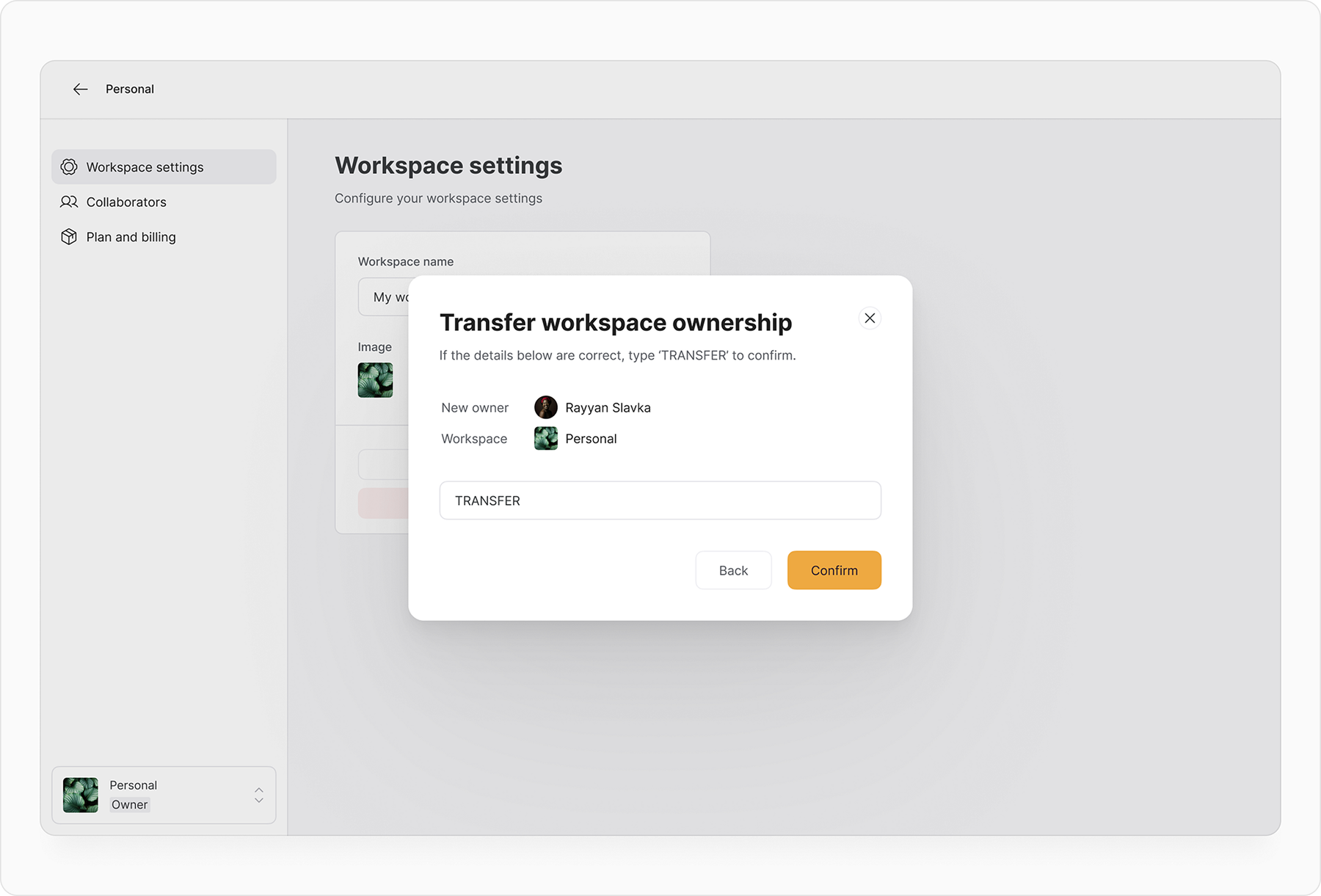
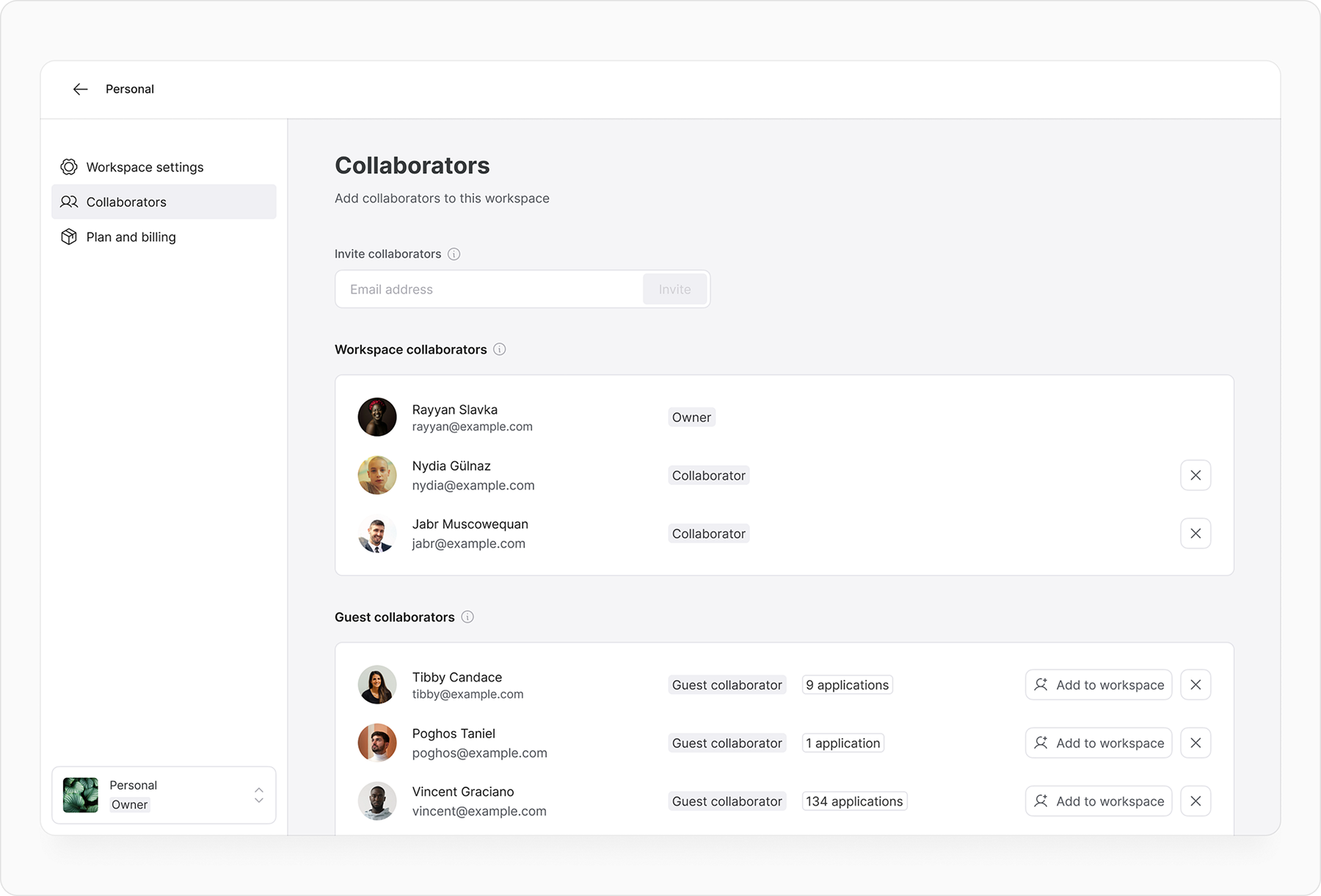
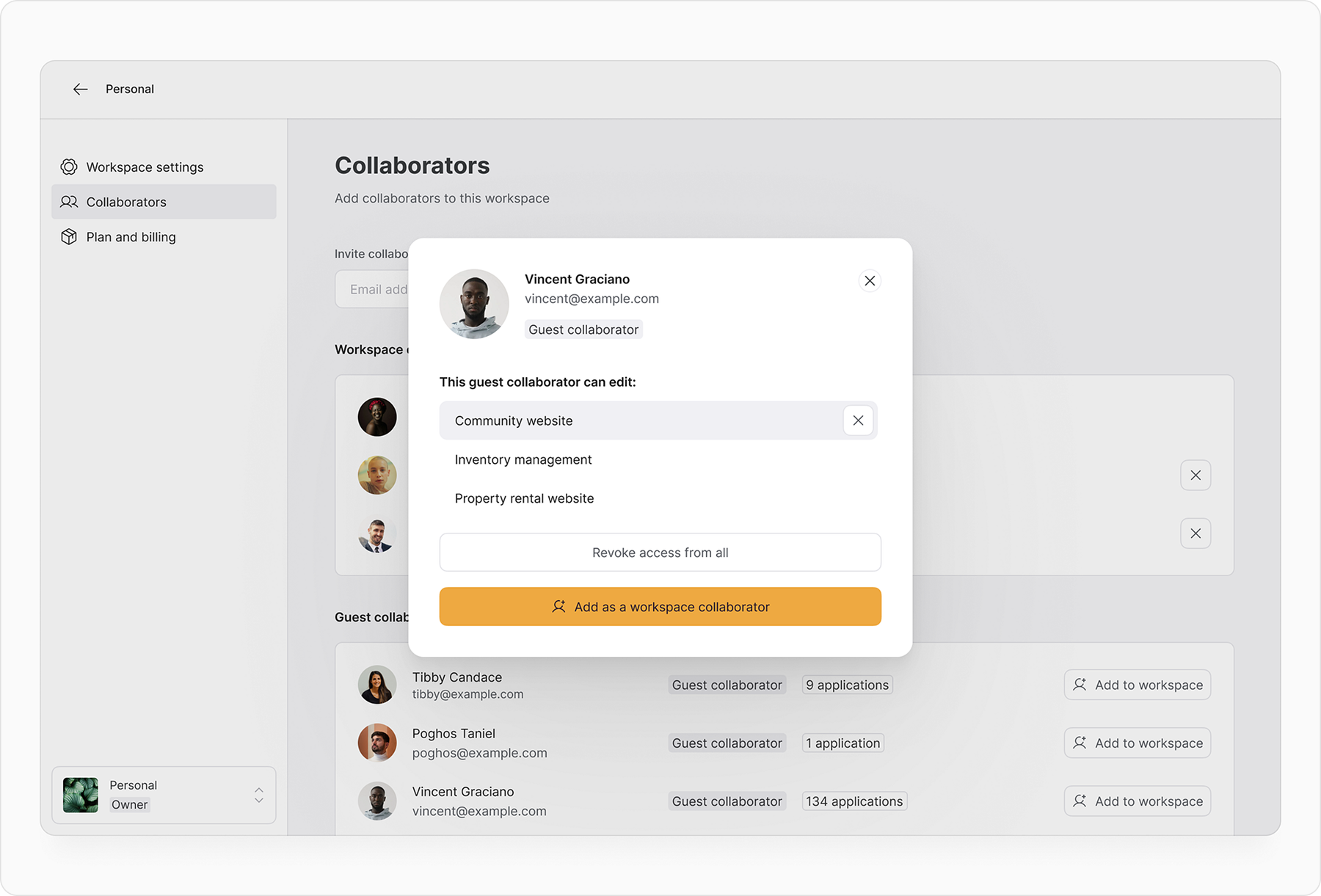
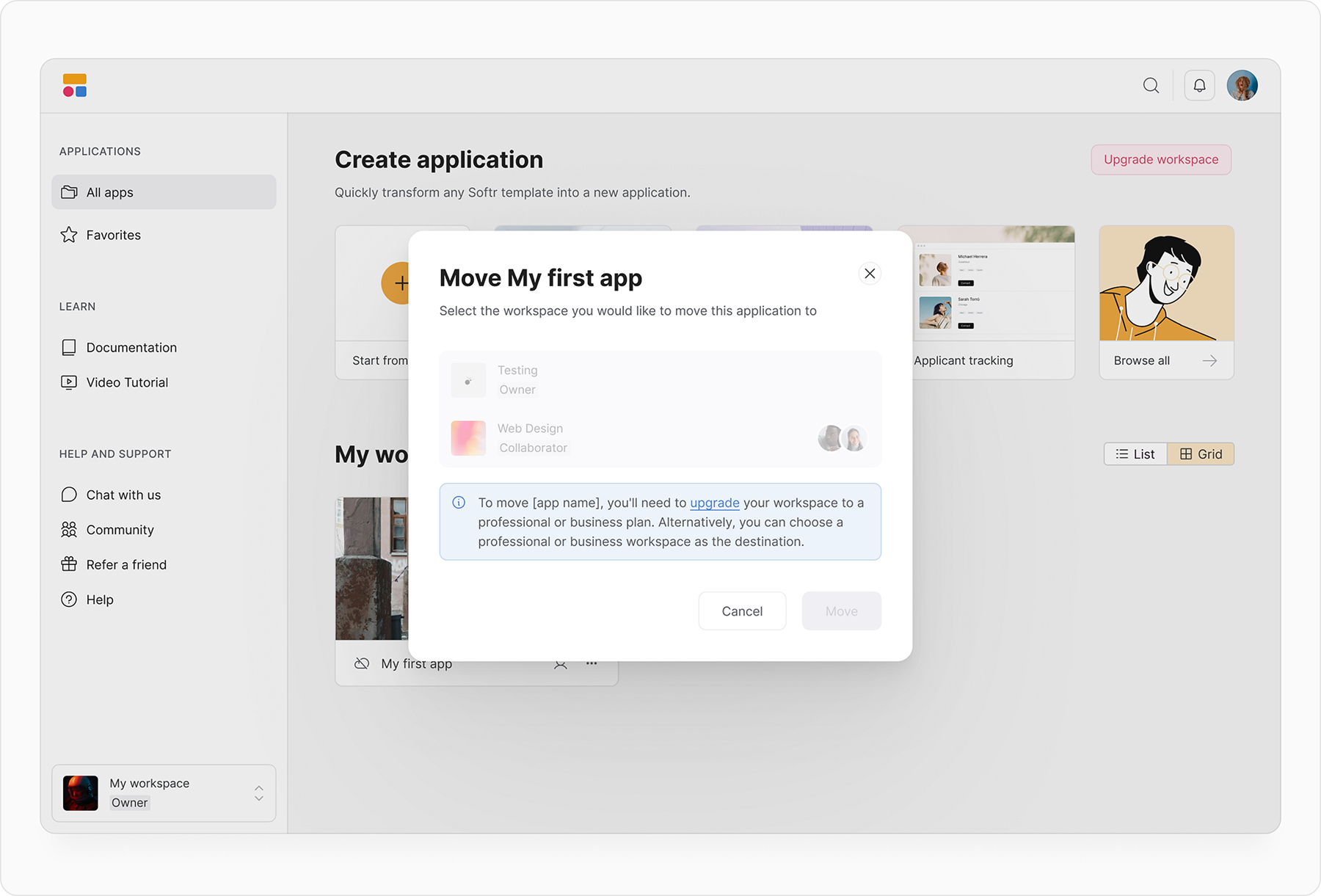
Workspaces had an very positive start. In the first two days alone, we saw 80 guest collaborators, and 75 workspace collaborators added, and the creation of 50 new workspaces, in addition to the workspaces automatically created for each account.
As we moved into the second week, this momentum was maintained with around 100 non-default workspaces created, and a total of 200 workspace collaborators, and 150 guest collaborators manually added by workspace owners.
These promising results highlight the strong interest in and engagement with the new feature, demonstrating its potential to boost collaboration and expand our user base.
.jpg)